HVAKR vs Trane TRACE 3D Plus
TRACE 3D Plus is a capable Windows energy-modeling suite — but it installs on one workstation, you build every model by hand, and projects move around as files. HVAKR runs in the browser, takes off spaces from your floor plans with AI, and keeps your whole team on one live project.
Head-to-head
Where HVAKR Wins
Cloud-Native
No Install. No Workstation. No 100 GB Download.
TRACE 3D Plus is a Windows-only desktop program that wants 16–32 GB of RAM and 100 GB of free disk on every machine that runs it. HVAKR opens in any browser on any OS — Mac, Windows, or Chromebook — so a new engineer is calculating loads in minutes, not after an install and a license activation.
- Works on Mac, Windows, or Chromebook
- Nothing to install, activate, or patch
- No workstation-grade hardware required
HVAKR AI
AI Reads Your Floor Plans
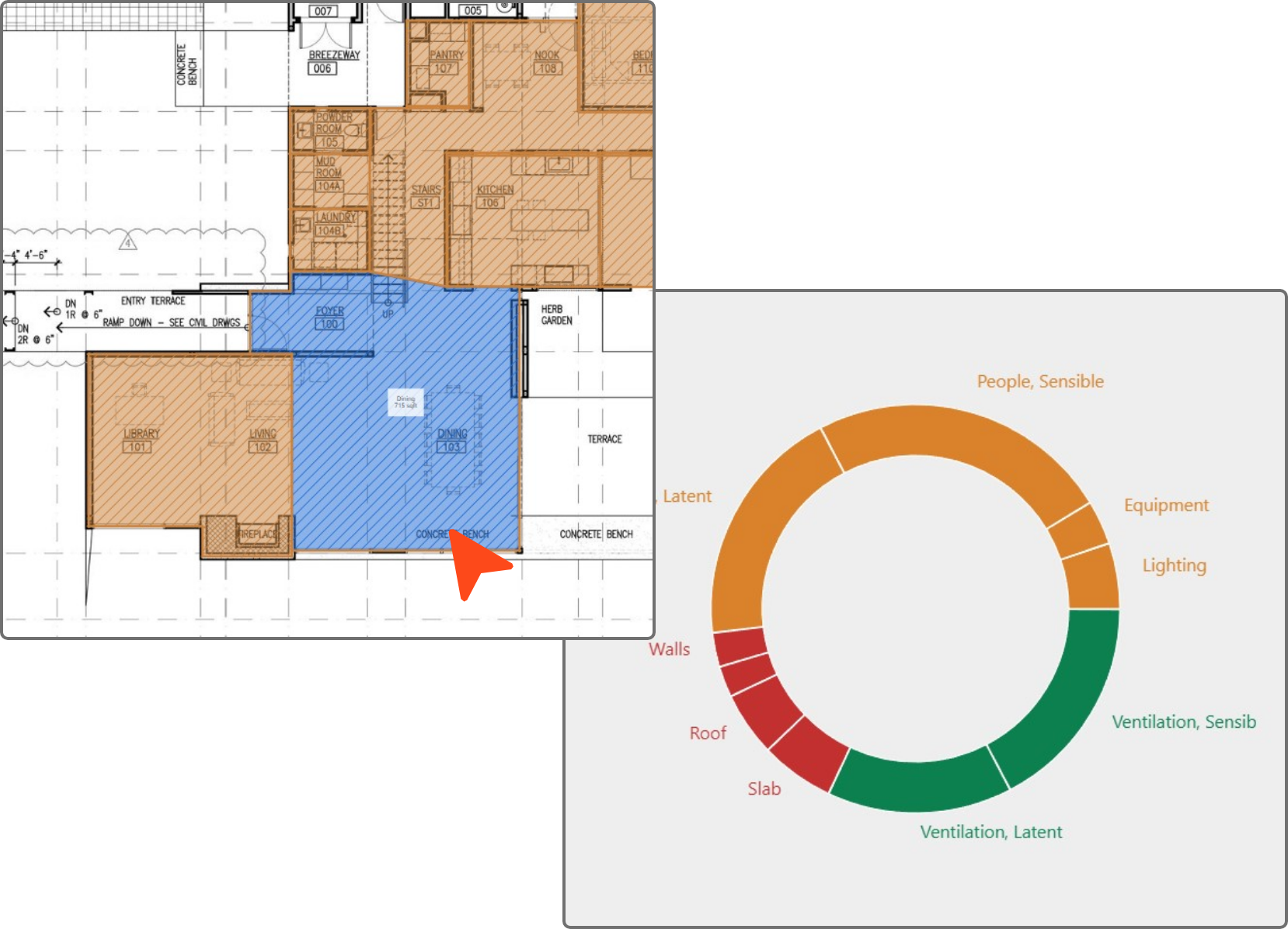
In TRACE you build the model by hand — draw the geometry, trace over an imported plan, or import a gbXML file that brings in shapes and room names but no loads or systems. HVAKR AI reads an uploaded PDF floor plan and extracts spaces, areas, and boundaries for you to review — then the engineer stays in control of every number.
- AI space takeoff from PDF floor plans
- No BIM model or gbXML export required
- Engineer reviews and approves every change
Real-Time Collaboration
One Live Project, Your Whole Team
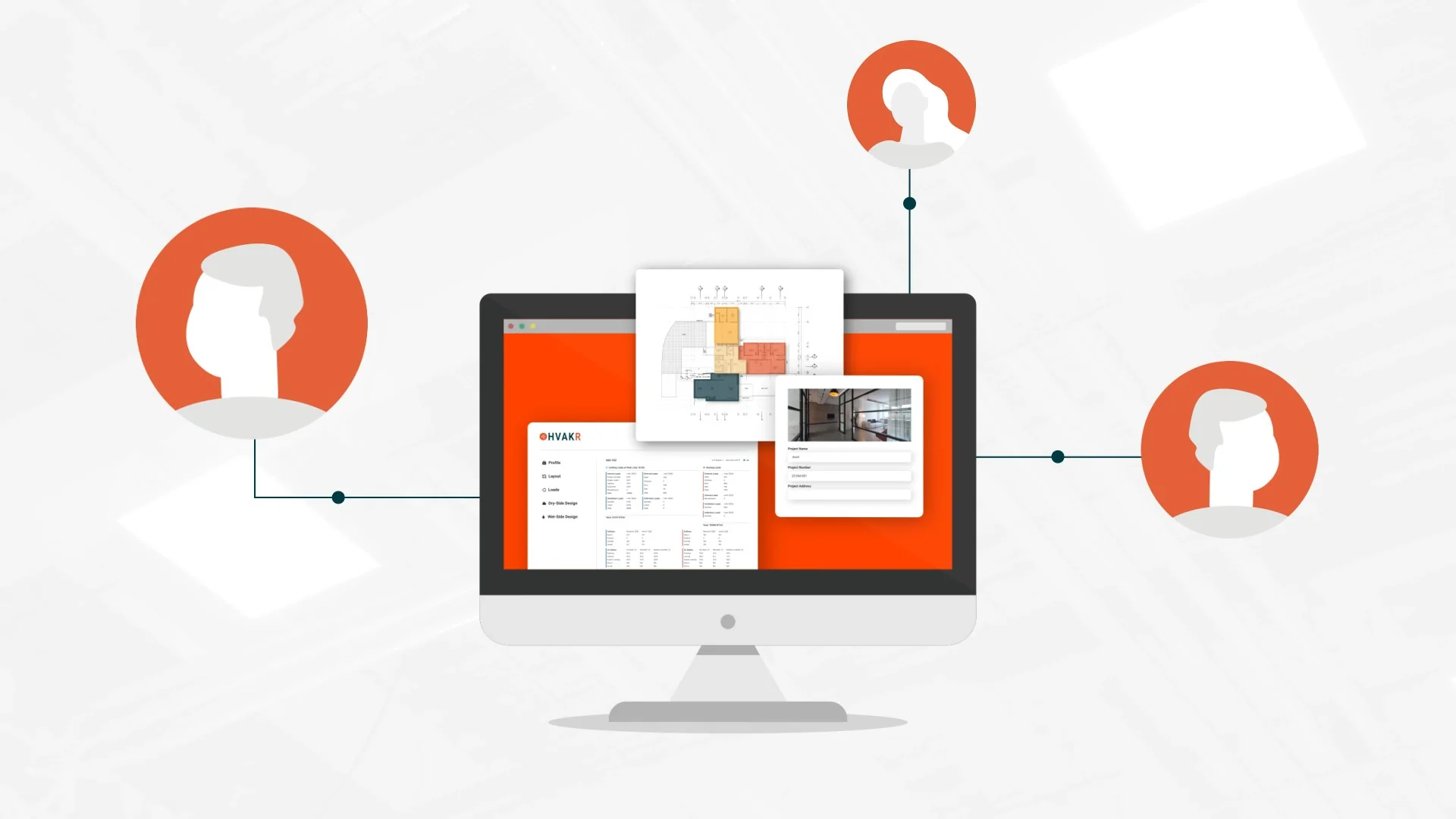
TRACE projects are local .mdfz files passed around by email or a network drive, and a standalone license is one user at a time. In HVAKR, multiple engineers work the same live project at once — takeoff, loads, and review stay in sync with no file versions to reconcile.
- Live shared projects, no merge step
- Reviewers see the latest state instantly
- No v3_final_FINAL.mdfz floating around
Agile Design
Change One Input, Loads Update
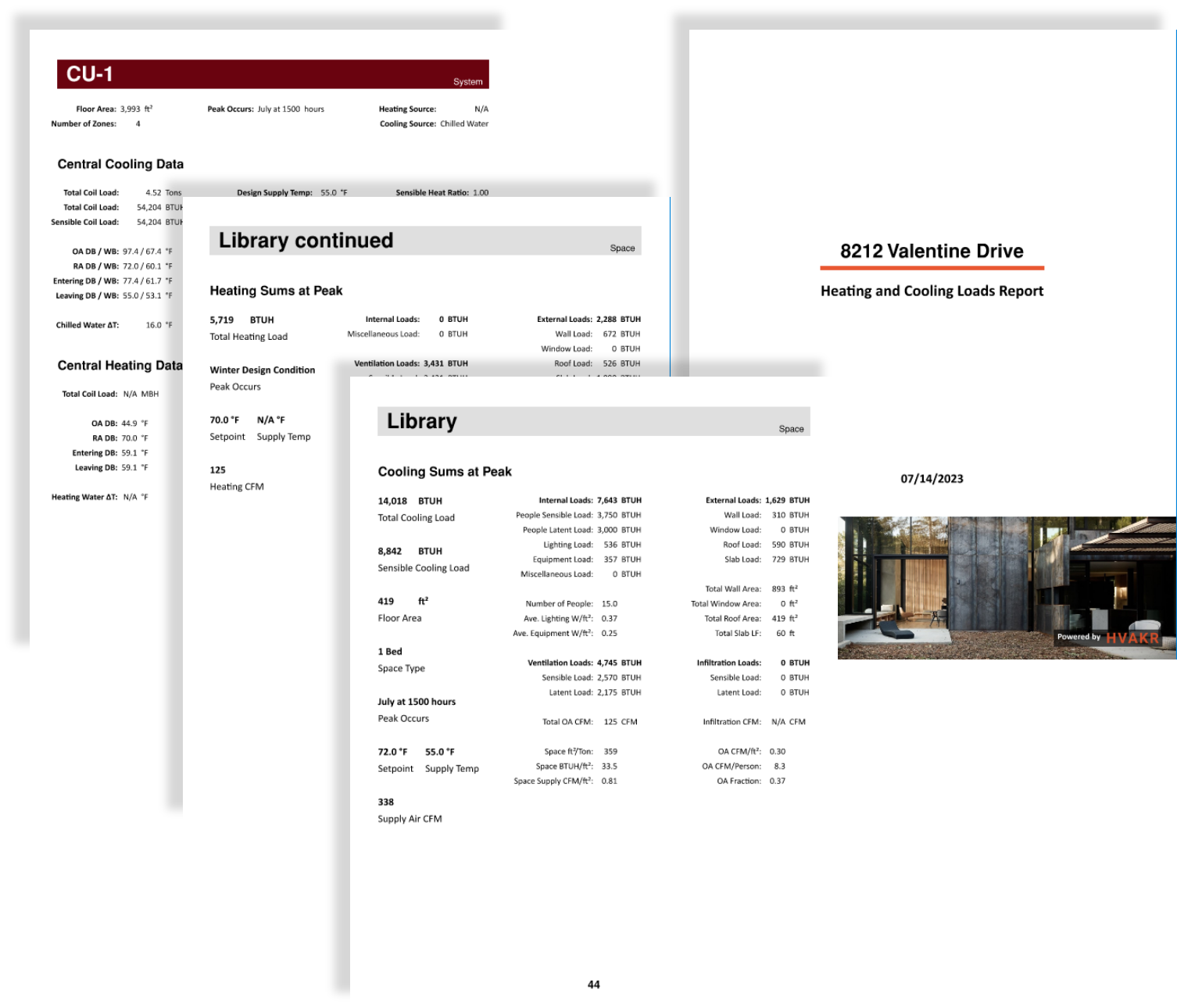
When the architect swaps a window or a setpoint moves, HVAKR cascades the change automatically — from loads to CFMs to duct sizes — in seconds, and updates ship server-side so your team is always on the latest version. No re-simulating on a local machine, no reinstalling the next release.
- Loads recompute instantly on every change
- Always on the current version, automatically
- Late changes stop being a fire drill
Mechanical Engineers On Tap
HVAKR is more than software. Every plan includes support from mechanical engineers who design HVAC for a living — so when a hard load-calc or system-selection question comes up, you get an answer from someone who has solved it before. Where other tools offer software support, HVAKR offers engineering support.
Talk to a real engineer
Stuck on a load calculation, a system selection, or a tricky space? Our mechanical engineers help with the actual engineering — not just which button to press.
Answers in hours, not days
Fast, human product support and onboarding that gets your whole team productive in a day.
Expertise included
Mechanical engineering help comes with your subscription — no consulting contract and no extra fee.
Moving from TRACE is simple
You keep your methodology — ASHRAE and ACCA load procedures — and lose the install, the activation, and the file shuffling. Most teams run their first project in HVAKR the same day they sign up.
- 1
Start a free trial
No download, no license activation, no IT ticket. Open HVAKR in your browser and create your first project.
- 2
Upload a floor plan
Let HVAKR AI take off spaces from your PDF plans instead of drawing or importing geometry by hand.
- 3
Run loads and ship reports
Calculate loads, size equipment, design ducts, and export branded PDF and CSV reports.
Frequently asked questions
Do I need to install anything or buy a powerful PC?
No. HVAKR runs entirely in the browser on any operating system — there is nothing to download, no license to activate per machine, and none of the 16–32 GB RAM / 100 GB disk that TRACE 3D Plus requires.
Are HVAKR’s load calculations standards-compliant?
Yes. HVAKR follows ANSI/ASHRAE/ACCA Standard 183 and ASHRAE 62.1 methodology, and we publish all 29 requirements of Standard 183 with how HVAKR meets each one.
Can HVAKR do energy analysis?
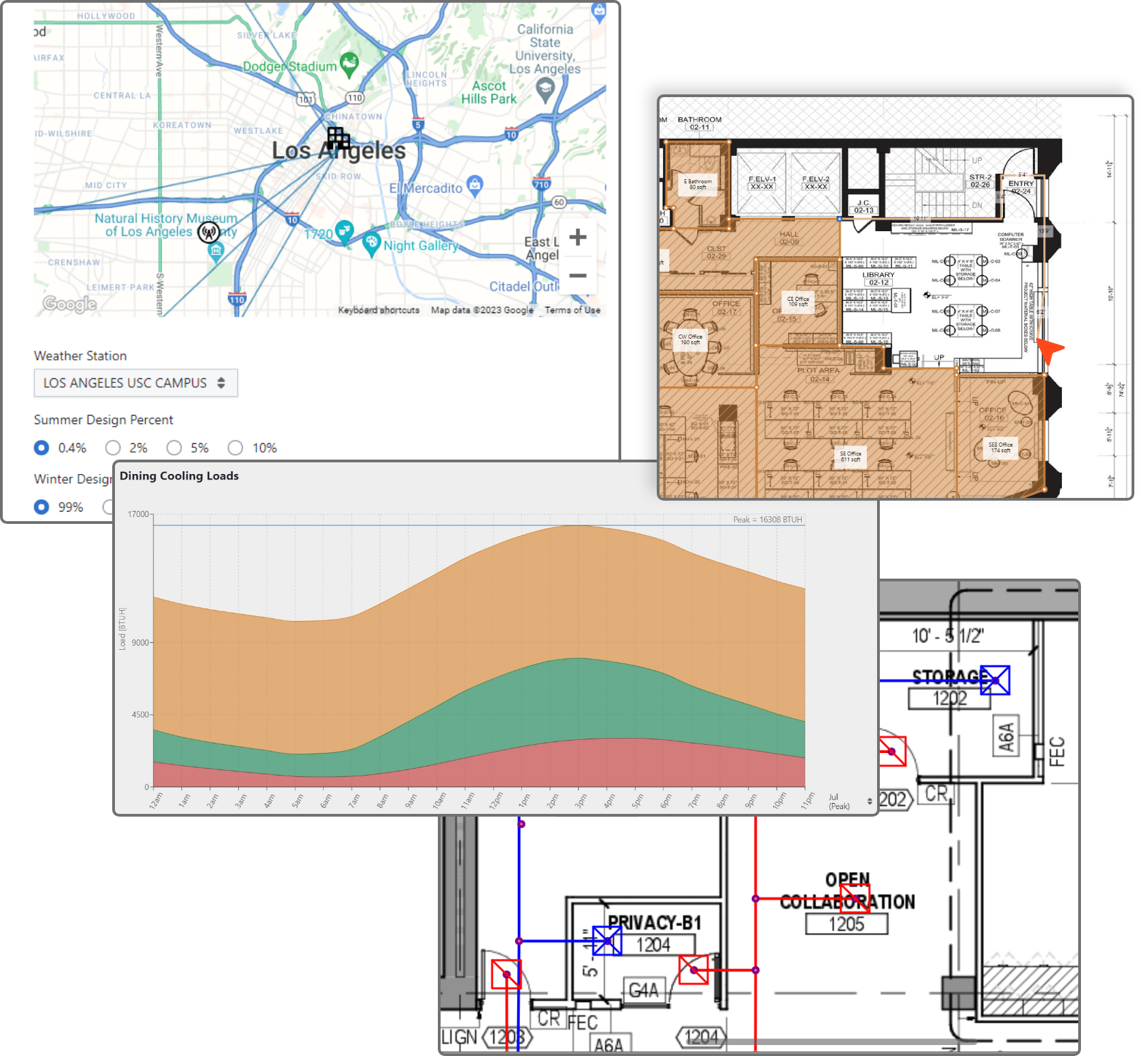
Yes. HVAKR runs an 8,760-hour energy analysis on your mechanical system using typical meteorological year weather data — annual and monthly energy consumption, operating cost, and energy use intensity (EUI), all from the same model you used for loads. There is no separate energy model to build and no simulation to babysit.
Can my whole team work on the same project at once?
Yes. HVAKR projects are shared live — multiple engineers can work and review the same project simultaneously, with no .mdfz files to email around and no versions to reconcile.
Do I need a Revit or gbXML model to get started?
No. HVAKR works directly from PDF floor plans — its AI extracts spaces so you do not need a BIM model or a gbXML export to begin a project.
What does HVAKR cost?
HVAKR is a per-seat subscription with a free trial. See our pricing page for current plans.
Design faster — without the install
Start a free trial and run your first project today: no download, no license activation, no workstation required.